Quick answer: a dashcam can help a courier driver after an accident. It gives a timestamped record of what happened, which helps when the other side disputes who was at fault, and it can help expose staged "crash for cash" collisions. It won't change the cover you need. You still need the right class of use and should still tell your insurer about any accident. Choose a camera that suits stop-start delivery work, save clips as soon as something happens, and if other people drive your van, check what data protection rules mean for you.
Couriers spend more time on the road than most drivers. They make dozens of stops, reverse into tight spaces and park on busy streets, so the chance of a dispute about who hit whom is higher. A dashcam for courier drivers is less about gadgets and more about having evidence when it matters. This article covers what a camera can and can't do for your courier van insurance, which type suits delivery work, and what to do with the footage.
1. How a dashcam helps with claims
When two drivers give different accounts, an insurer has to decide who was at fault from statements, photos and damage. Clear footage can settle that question quickly. It shows the road layout, the other vehicle's speed and position, traffic lights and signals, often with the time, date and location recorded.
- Disputed fault: footage can show that the other driver pulled out, braked suddenly or ignored a junction.
- Faster decisions: with clear evidence, an insurer can often decide on liability without a long back and forth.
- Hit while parked: some cameras record when the van is parked, which helps if someone hits it while you are at a drop.
- Your own driving: footage works both ways. If it shows you were at fault, it will be part of the evidence too.
2. Crash for cash: what the latest warning says
In August 2026, the Insurance Fraud Enforcement Department (IFED), the specialist police unit, and the dashcam maker Nextbase warned drivers that "crash for cash" fraud is changing. As well as deliberately caused collisions, the warning described riders on mopeds targeting lone drivers and pressuring them for payment, criminals photographing driving licences at the roadside, and inflated repair bills after minor bumps. IFED said it had investigated more than £25 million in suspected crash for cash cases over five years, most involving staged or induced collisions.
Lone drivers working to tight schedules are an obvious target. Footage from the front and rear of the van is one of the clearest ways to show that a collision was staged. The advice from the same warning is worth following on every round:
- Give your name, address, registration and insurance details after an accident, but don't let anyone photograph your driving licence.
- Never pay cash or hand over bank details at the roadside, however much pressure you are under.
- Report the accident to your insurer promptly and send them your footage.
For the full list of steps at the scene, see our article on what to do after an accident on a delivery round.
3. Choosing a camera for delivery work
A camera that suits a weekend car may not suit a working van. These features matter most for courier work:
| Feature | Why it matters for couriers |
|---|---|
| Front and rear cameras | Rear-end shunts and reversing incidents are common on rounds, and a front camera alone won't see them. |
| Parking mode | Records bumps while the van is parked at a drop. It usually needs a hardwired power supply. |
| Time, date and GPS | Shows exactly when and where an incident happened, which helps an insurer or the police. |
| Good night and low-light recording | Many rounds start before sunrise or finish after dark, especially in winter. |
| Incident lock | Saves a clip automatically after a jolt, so it isn't recorded over. |
| Easy clip download | An app or card reader means you can send footage to your insurer the same day. |
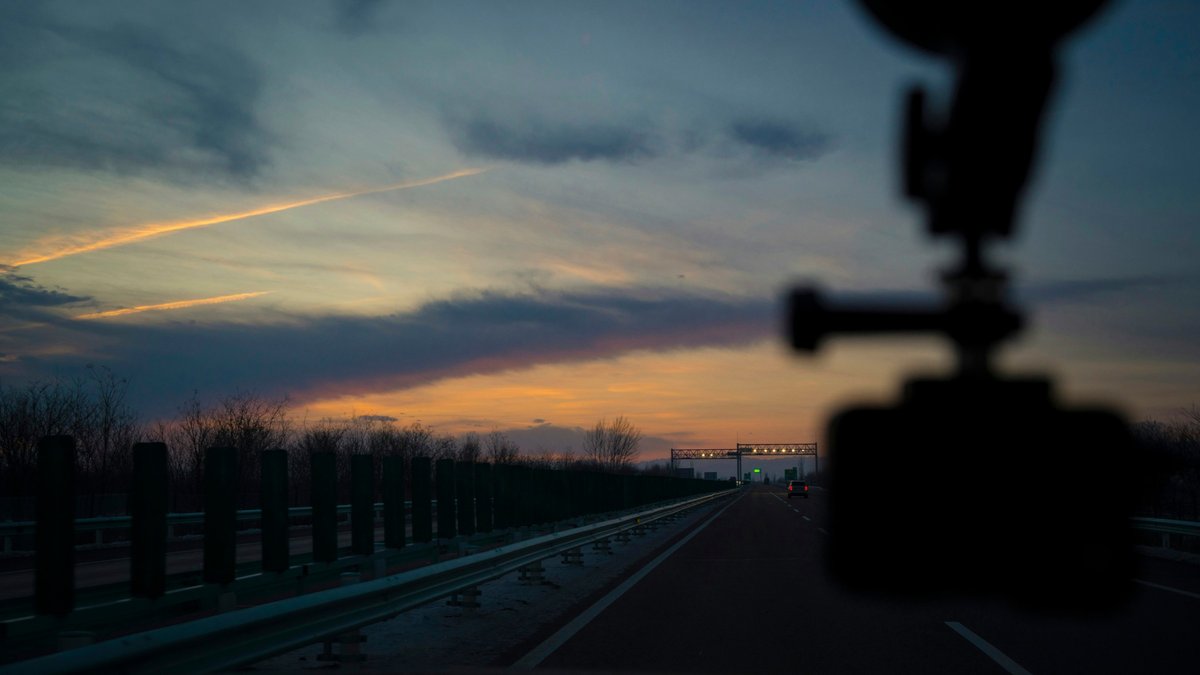
Fit the camera where it doesn't block your view of the road, usually behind the rear-view mirror, and set it up before you drive. Never adjust it or watch footage while driving. If you have it professionally hardwired, keep the fitting paperwork. Small add-ons like this are usually not treated as modifications, but insurers differ, as our article on which van changes to tell your insurer about explains.
4. Will a dashcam change my insurance?
A dashcam doesn't replace the right cover. Paid delivery work still needs the correct class of use, the parcels still need their own cover, and every policy condition still applies. What a camera can change is how smoothly a claim goes.
Some insurers ask whether you have a dashcam, and a few take it into account. Others don't ask at all. Answer honestly if asked, and don't assume a camera will make a difference to the price. If your camera came as part of a telematics or fleet tracking package, check whether the policy has any conditions linked to it, such as keeping it working.
A dashcam is evidence, not cover. It helps show what happened, but the policy you hold decides what is paid.
5. Saving and sharing footage
Most dashcams record on a loop, so older footage is recorded over. After any incident, save the clip straight away, before your next drive. Download it to your phone or computer, keep the original file unedited, and note the time and place.
Send the footage to your insurer when you report the accident. If the police ask for it, or you want to report dangerous driving you witnessed, many police forces accept dashcam footage through their own online reporting service. Bear in mind that footage you hand over shows your own driving as well.
6. Other drivers and data protection
A camera used for personal driving is usually outside data protection law. A camera used for business can be different, especially if it records your drivers or the inside of the cab. The Information Commissioner's Office has guidance on dashcams for small businesses.
If relief drivers, staff or subcontractors use your van, tell them a camera is fitted and what it records. Think twice about recording audio or the inside of the cab. Keep footage only as long as you need it. These points also apply alongside the cover for vans with more than one driver, where every driver needs to be covered.
Dashcam checklist for couriers
- Choose front and rear cameras with time, date and GPS recording.
- Consider parking mode if you leave the van at drops on busy streets.
- Mount it so it doesn't block your view, and set it up before driving.
- Check it is recording at the start of each round.
- Save and download clips straight after any incident.
- Send footage to your insurer when you report an accident.
- Tell other drivers the camera is fitted and what it records.
- Answer honestly if your insurer asks whether you have one.
Questions couriers ask about dashcams
Does a dashcam lower my insurance?
Sometimes, but not reliably. A few insurers take a dashcam into account and many don't. Its main value is evidence after an accident, which can help a claim go your way and be settled sooner.
Can my dashcam footage be used against me?
Yes. Footage shows your driving as well as everyone else's. If it shows you were speeding or at fault, an insurer or the police can take that into account.
Can a delivery company ask me to fit a camera?
Some networks and clients ask for cameras or tracking on vans that work for them. Check their requirements and who will have access to the footage, and keep a copy of what you agree.
Sources: Insurance Edge, 5 August 2026: IFED and Nextbase warn on crash for cash scams; ICO, dashcams and UK GDPR for small businesses.